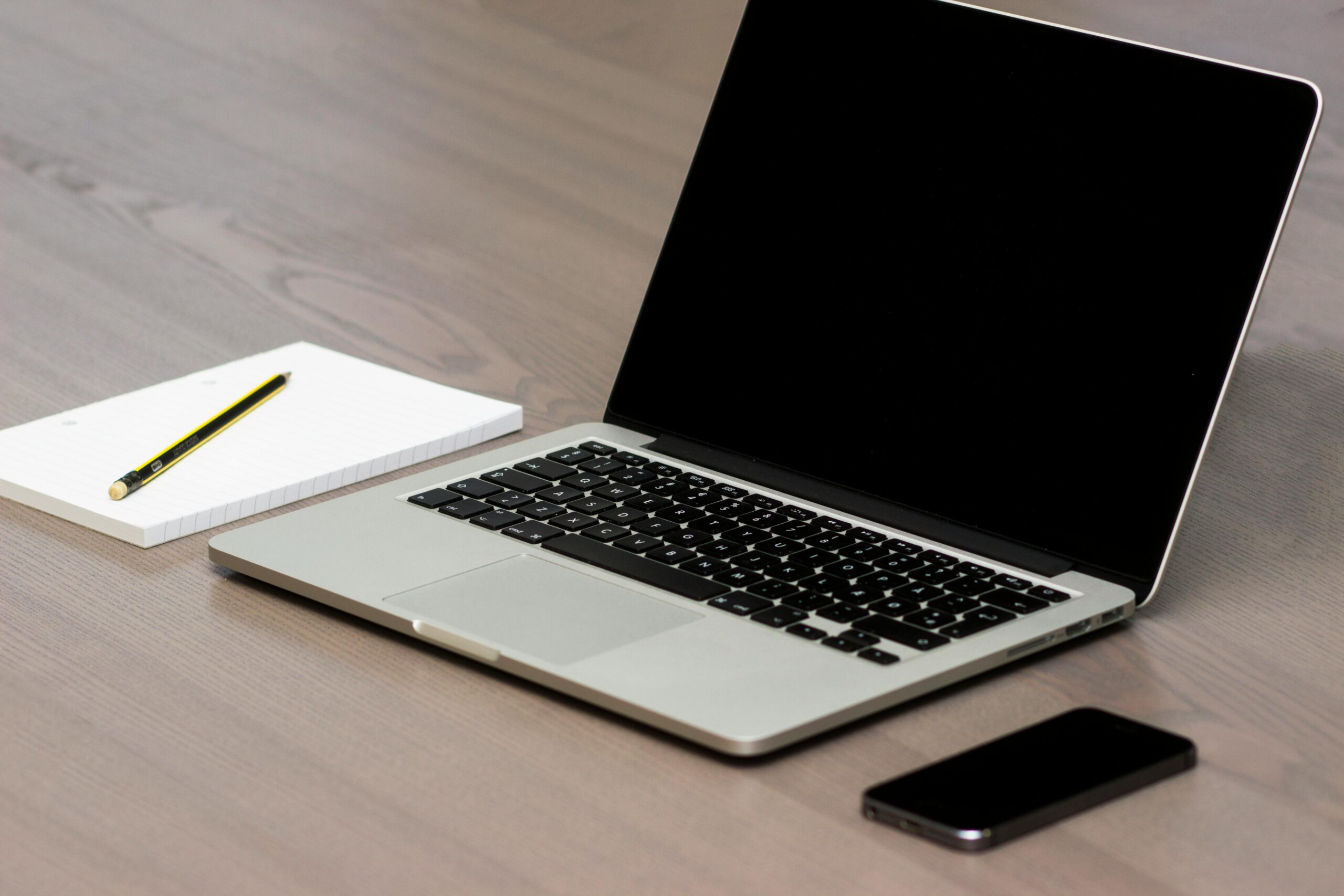
Buying a used laptop can save money but requires careful checking of physical condition, battery health, internal specs and software licensing before purchase. Researching the seller and testing the laptop thoroughly beforehand helps avoid a costly mistake.
What to Check Before Buying a Used Laptop
Buying a used laptop can save you real money, but only if you know what to look for. A good deal on the outside can hide problems you won’t spot without a closer inspection. Here’s what matters most.
Know What You Need First
Start by identifying why you need the laptop, work, gaming or general use, since this determines the specs that matter. Gaming needs a strong GPU, while a work laptop should prioritise reliability and battery life. Set a budget before you start looking, used laptop prices vary widely and a clear number keeps you from overspending.
Check the Physical Condition
Look for cracks, dents or scratches, and check that the hinges aren’t loose. Test the keyboard and touchpad thoroughly, type a few sentences and check responsiveness. Turn on the screen and look for dead pixels, discolouration or flickering, and test that brightness adjusts properly. Check every port, USB, headphone jack and charging port, to confirm they all work.
Test the Battery
Ask the seller about battery age and run the laptop on battery power to see how long it lasts. If the operating system has a built-in battery health tool, use it, a healthy battery should still hold most of its original capacity.
Look at the Internals
Check the processor model and speed against current standards, older processors can struggle with modern software. For RAM, 8GB is the minimum for general use and 16GB or more is better for gaming or heavy multitasking. For storage, an SSD is faster and more reliable than an HDD, aim for at least 256GB. If you need the laptop for gaming or graphic design, check the GPU meets your requirements, integrated graphics are fine for general use but dedicated GPUs handle demanding tasks better.
Verify Software and Licensing
Check what’s pre-installed and avoid anything that looks unnecessary or suspicious, a fresh OS install is ideal. Confirm the operating system is genuine and licensed so you still get updates and support.
Check the Seller and Test Before You Buy
Look into the seller’s reputation and reviews, and don’t hesitate to ask about the laptop’s history and reason for sale. Before finalising anything, test it properly: run a few applications, connect to Wi-Fi, play a video to check the speakers and display, and use a diagnostic tool if you can.
Think About Value
Check if the laptop allows RAM or storage upgrades, this can extend its life. But weigh the upgrade cost against buying new, sometimes it’s not worth it. Compare prices across sellers for similar models, and factor in extras like a new battery or charger so there are no surprises later.
A used laptop can be a smart buy if you do the homework. If you’d rather skip the guesswork, get in touch, we can help you find reliable hardware that fits your budget.